
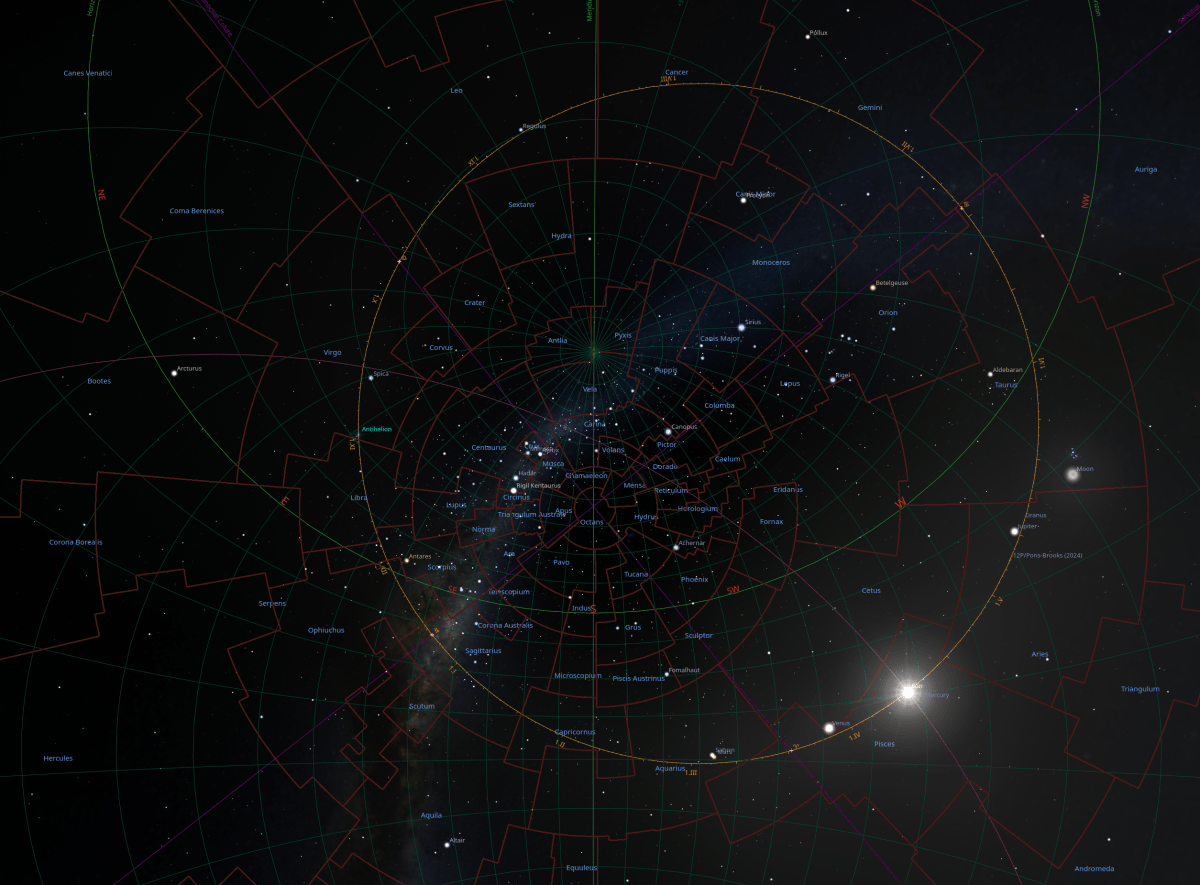
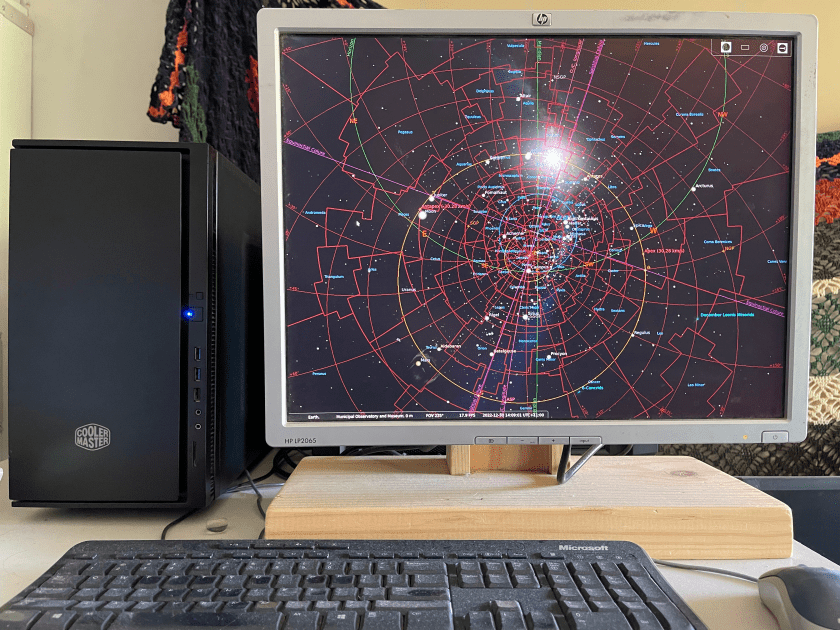
i recently realized that i have not a full description of how i put together my unclock that i use.
I am working towards building an Unclock App. i want to build one for desktop and i want to build an Augmented Reality System in a pair of contact lenses with a watch for a controller. At this stage i am still using desktop technology to work with.
the hardware
The first thing i recommend is the element of it able to be quiet. For the unclock to work, it needs to be on non-stop, so a small build i believe is a good choice.
I purchased a mid tower case that is a focused on quiet and it has a small amount of insulation inside it. I chose a build that is light enough powered that it only needs one exhaust fan. I then chose a superior fan by Noctua, as this company likes to build quiet fans. It has a graphics card, that lets it’s fans turn off when the computer is not working with a high load. I eventually want to do this for the power supply also. (i believe the smaller your graphics card is the better, as it is good to be aware of the fact that it could bring more heat than your case and fan is built for, if you do make the computer use excess power.) If the motherboard and cpu that you use, is able to function without a graphics card, then it can run Stellarium without a graphics card, and this can be a good choice. You can also consider a cpu fan that is specified as quiet.

It is not necessary to have as powerful specifications as my unclock has. The last build was an FM2 cpu from AMD that had the graphics ability in it, with a little motherboard and 4Gb’s of RAM.
I have recently upgraded the unclock and i wanted to use the big Graphics card as it is quiet and it means that if i ever have my main computer out of action, then i can plug in the two front fans and use this computer to do my work. I put a solid state drive onto the motherboard, but i am still not able to get an operating system functioning on it, so i am still using the Disc hard drive as i develop the computer slowly. I also put another older drive in this case as it is a good place to archive old work.
This unclock has a cpu that must have a graphics card to work, so i am searching for the middle ground.
It is an enjoyable puzzle to build the unclock low powered enough to be very quiet, but not have to stay with old components, as state of the art is becoming increasingly powerful equipment, therefore i believe if you don’t use a graphics card, you can build it quieter and lower powered and have it still remain reasonably fast enough, when booting up et cetera, using state of the art technology.
If i replaced the cpu with the base model cpu for this motherboard and have no graphics card, this build may even only need a stand up cpu cooler, that sends the air out the exhaust outlet, and if it was also with a power supply unit that turns off its fan when the computer does not have load, with only using an SSD and remove all the other drives and excess fans, it would just be two fans, and one of them isn’t going all the time. (that could be my next build.)
the software
The planetarium program i use is called ‘Stellarium’. It is an open source software, and if you are using Linux it is in the Software Manager. Stellarium has a website where you can get it also. On my unclock i have version 19 but the one i am describing is version 24, so you might get things slightly different in different versions.
When i open Stellarium, i zoom out as far as it will go with the mouse scroll wheel, and this makes it so that the Ecliptic of the Sun will always be visible once it is centered. There are buttons that appear when you move your mouse to the edge of the screen, and if you go along the bottom you can turn off the ‘Atmosphere’ and ‘Ground’. As you move your mouse over the buttons along the bottom, you should see the hover hints to know what each button does. The ‘Azimuthal Grid’ is used to help with your Meridian perspective and the ‘Constellation Labels’ are used in land marking as everything moves.
There is a button for ‘full screen mode’, about nine buttons from the right going left. This is good to know and use. i make mine rather small when not in full screen mode. (if a button is not here, there are some buttons down the left bottom side, and it should be in the ‘Sky and view options window’ and most likely in one of the tabs called ‘Markings’ or ‘Sky Culture’, but also, you can change the buttons at ‘Configuration window>Extras>Show additional buttons’.)
The button at the top of these is the ‘Location Window’, where you can set it to where you are. In this window on the lower right you can set the Region and Time Zone. If you find the appropriate time zone and region, you can then chose your city and set it to your default. The time zone will do daylight saving changes automatically except if you use a ‘UTC’ setting. If you change your region, you need to check and change the time zone also, and i don’t think default brings the default time back, so you need to check it when you come back to your default setting.
In ‘Sky and viewing options window’, you can find a tab called, ‘Sky Culture’, and down towards the bottom right there is a check box for ‘Show boundaries’. You can check this box and then move its value up to 3. (its value is to the right.) You can try other things here and in this window and especially in the ‘Markings’ window, but i will try to make this just the foundation for you.
The next thing is the tab called, ‘Markings’. If we begin from the left column, we can first check the boxes, ‘Equinoxes (of date)’, and ‘Solstices (of date)’.
In the middle column, there are three rows of check boxes. i have only been using the first row so far with this version.
Check, ‘Ecliptic (of date)’, and mine already has ‘with solar dates’ checked so i left it checked. Then ‘Horizon’, ‘O./C. Longtitude’, ‘Meridian’ and ‘Colures’.
If the horizon is sitting across the screen when you look at it, you can move along it to face it the way you feel is where you are looking, but select ‘North or South’ as this will put the Meridian vertical in the middle. If you put the Meridian so it is straight, you can move the sky up and down it until you make the ‘Colures’ become straight. The ‘Colures’ should land right in the center of your screen in a cross, once they are straight. (i find if i drag the sky around rather than push it, then i can have more control over placement.) The Sun’s Ecliptic should be visible constantly once the colures are a straight cross.
You can see the Ecliptic and where the Sun is and everything. If you look closer at the feature picture you can see the Sun’s path through the constellations very clearly. You can see the ‘Colures’ how they make the center, and the whole wheel turns on an off-centered circle that changes its axis as it goes.
i have copied and pasted this next paragraph from my other post because although it repeats what i may have said, it does come to the point well.
to center your unclock, you make the map size it’s smallest with the computer mouse scroll wheel, so that the Sun’s Ecliptic should remain totally visible for you once centered, then move along the horizon and put in the middle, North or South, then use the Equinoctial Colure and the Solstitial Colure, to make a cross with having both colures straight, and where they cross, will be put in the center with the meridian straight and vertical. (sky and viewing options window>markings>colures)
Over the months of being on this map, you begin to have an amazing solid perspective grow in you. You begin to see the geometry of the Stars, and our planet.
the practical
You can use the horizon, the mid-heaven, and the Nadir, to guide you through your day. The Opposition Conjunction Longitude line, the ‘O./C. longitude’, can let you know when it is a full moon, as it goes from the Sun directly to the opposite side of it’s ecliptic. A conjunction is when the Sun and Moon come together and this is the New Moon, which is the beginning of the month. You can follow the moon through the constellations as it goes around, and you can click on the moon to read things like what constellation it is in.
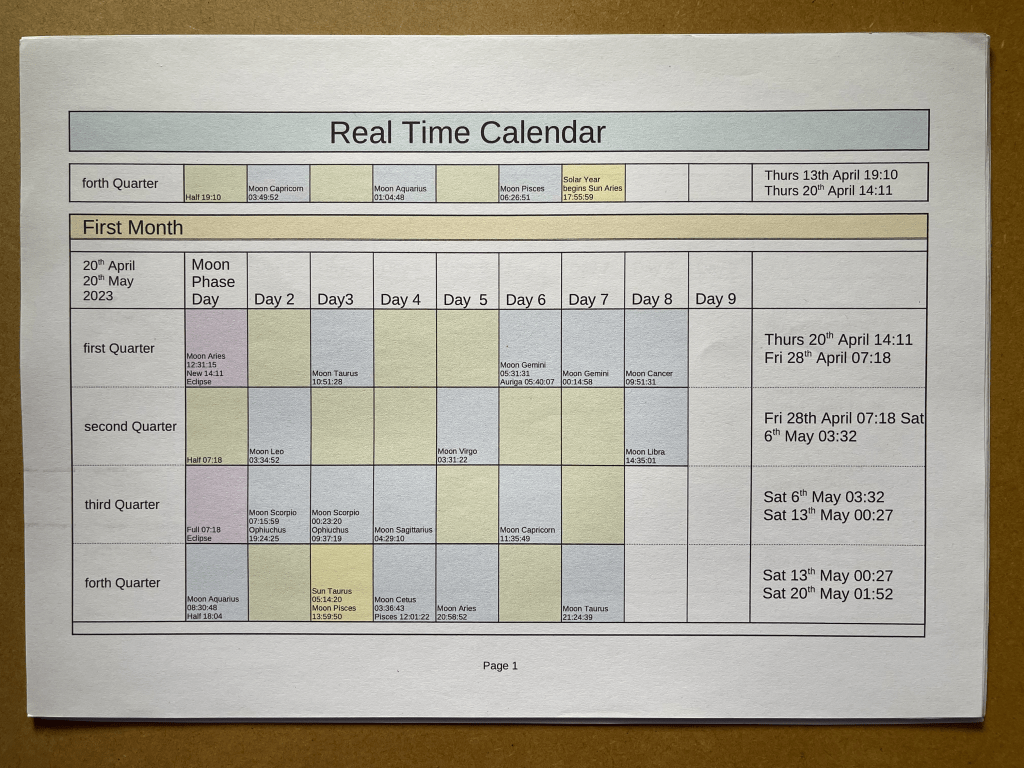
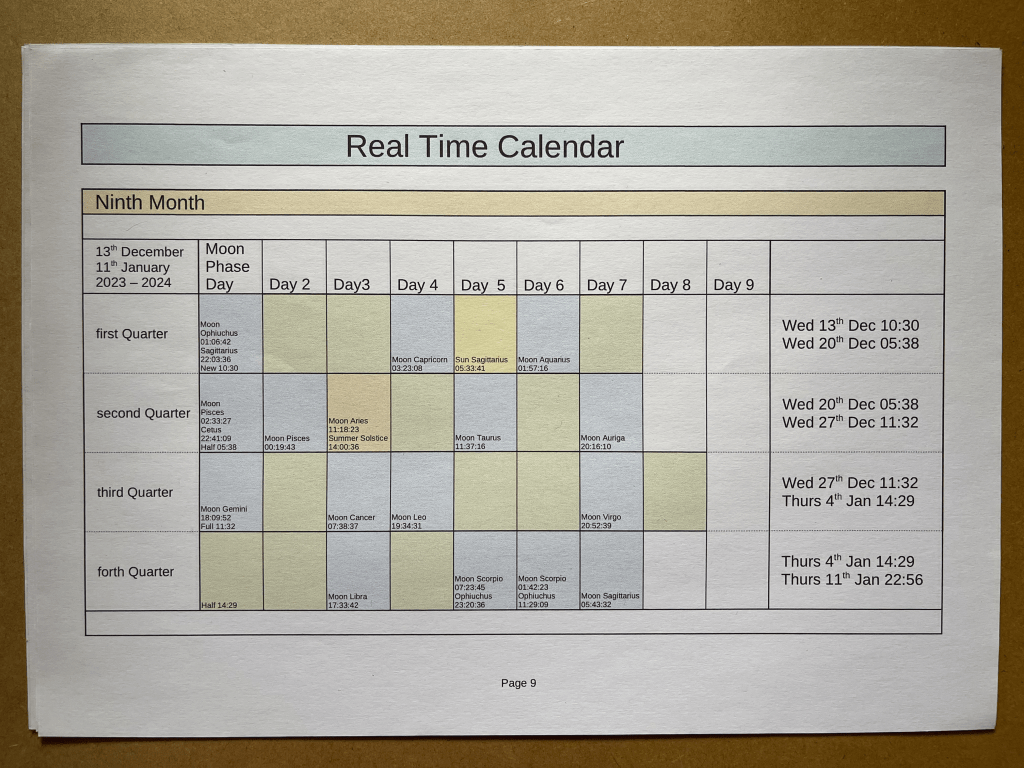
It has you with the Sun and the Moon around the Ecliptic and you know where they are, and in what constellation, at all times. This system pairs well with the calendar as it really needs more information on the ecliptic to deliver to an unclock potential, but you know at a glance whether the Moon is leading up to the Sun and therefore in the second half of the month, or moving toward the opposition point of the Sun, and therefore in the first half of the month. It will keep you very aware of the Moon Month.
Here are some things i have been exploring that you might find beneficial or simply joyfully interesting. You may like to keep it fairly simple, so you can get used to individually featured information, by just trying a couple at a time and leave them there for while, but whilst keeping the foundational set-up that was described in the software section.
In the ‘Markings’ window i use these choices.
In the first column; Azimuthal grid, Equinoxes (of date), Solstices (of date), Apex points, Galactic center and anticenter, Cardinal points 8, 16, Compass marks.
In the second column; Equator (of date), Ecliptic (of date), with Solar Dates, Horizon, O./C. Longitude, Meridian, Altitude, Colures, Precession circles, Prime Vertical.
In the third column; Celestial poles (of date), Ecliptical poles (of date), Zenith and Nadir, Galactic poles, Supergalactic poles, Quadrature circle, Antisolar point, Earth umbra, Earth penumbra, Invariable plane of the Solar system.
In the ‘Sky and viewing options window’, in the ‘SSO’ tab, there is a check box called, ‘planet markers’ that you can try. There is a check box just up a little and to the left called, ‘labels and markers’, and i think that one needs to be checked too. This is interesting as it is easier to find the planets.
the limitless
Things like the ‘Equator (of date)’ i just found, and it is exciting as my perception of the Solar System has grown and it is helping me adjust to the reality of how the Earth tilt actually is. i just try some things and leave them for a long time because although this equipment gives knowledge, it can be almost subconsciously delivered, and because the unclock and calendar is of what is happening every day, it brings true awakening feelings.
i want to make, preferably for desktop computer, an app that has a wheel that sits on the Sun’s Ecliptic, and shows the constellation boundaries very clearly just around this Ecliptic. The amount of days the Moon has for it’s month, can be clearly marked on this wide ring that is mounted on the Ecliptic. As the Moon moves around the ecliptic, the day markings stay with the movement of the Moon, and this leaves the Sun to pass through these day markings, as the Moon and it’s month and markings rotate many more times per one revolution of the Sun. It would have the half and full Moon marks with digits that light up when in specific locations, and it being that the Sun also moves with all the Moon Month markings, because all of this move on a bigger wheel which travels a different velocity again, while bearing itself on the Equinoxes and Solstices who are holding our flight, and even those would be moving.
The Moon’s month could reset itself upon each month because each month would be different, and you could scroll forward and back to search months. This wheel can have the Eclipses noted and also the Solstices and Equinoxes. It can have a slight color change to denote the night and day for your location.
This whole formula can then be designed to work with Augmented Reality, using eyesight contact lens and a digital watch for it’s controller. A pair of goggles can be designed to house this tool also. The wide ecliptic can vary in it’s transparency as it is an AR belt going around the wearer. It could work in an AR sphere around the wearer, that is about two, to four meters in radius, and therefore be limitless as to what information can be accessed. This device would be capable of giving total limitless mapping capacity, because it is sourced from the movement of Planet Earth’s rotation in reference to the Sun. It knows where it is.
Being aware of location moving constantly, all becomes movement not moment. One begins to see the other side of the world in comprehensive geometry, therefore connects others portals.

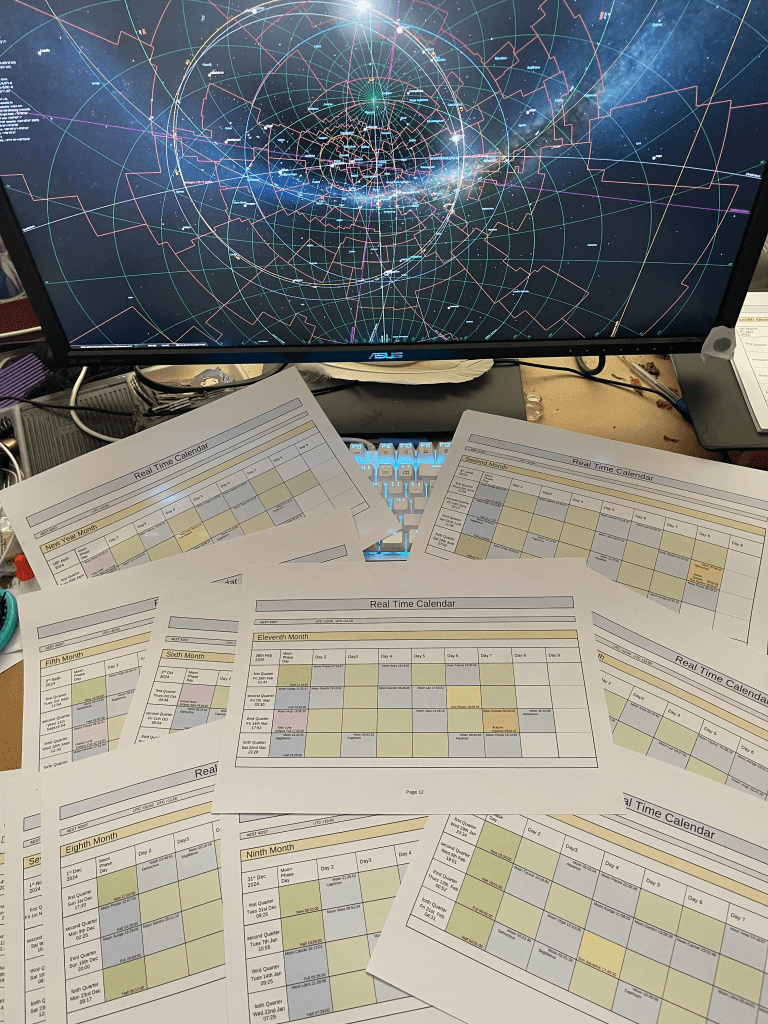
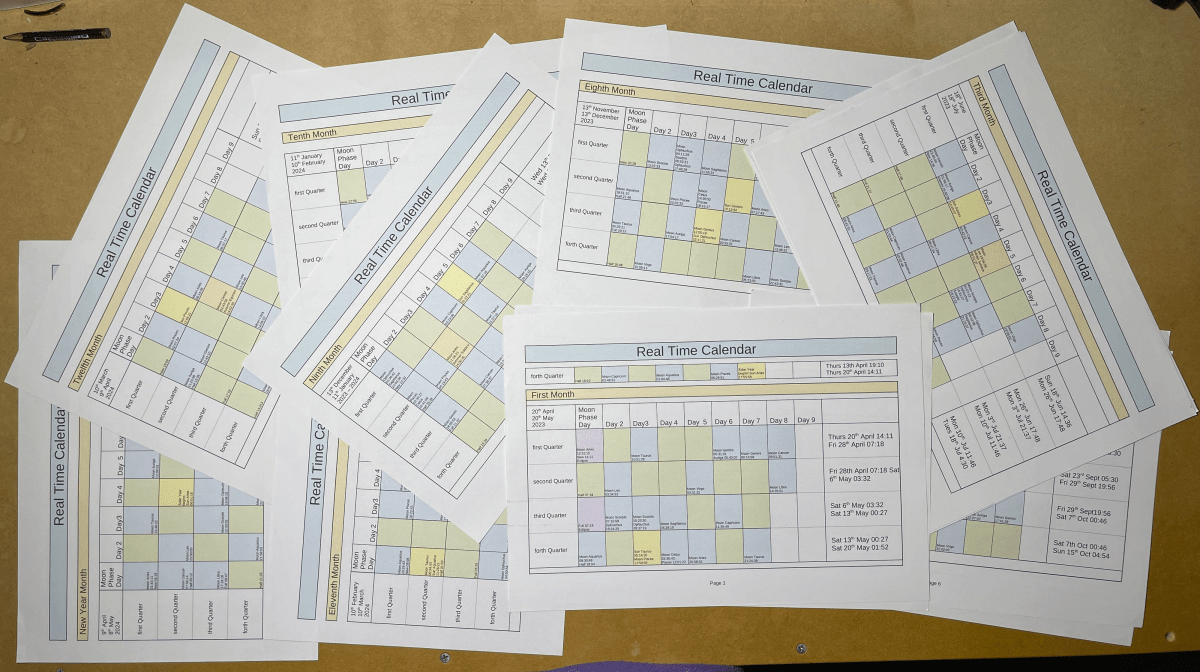
 Map of Now
You must be logged in to post a comment.